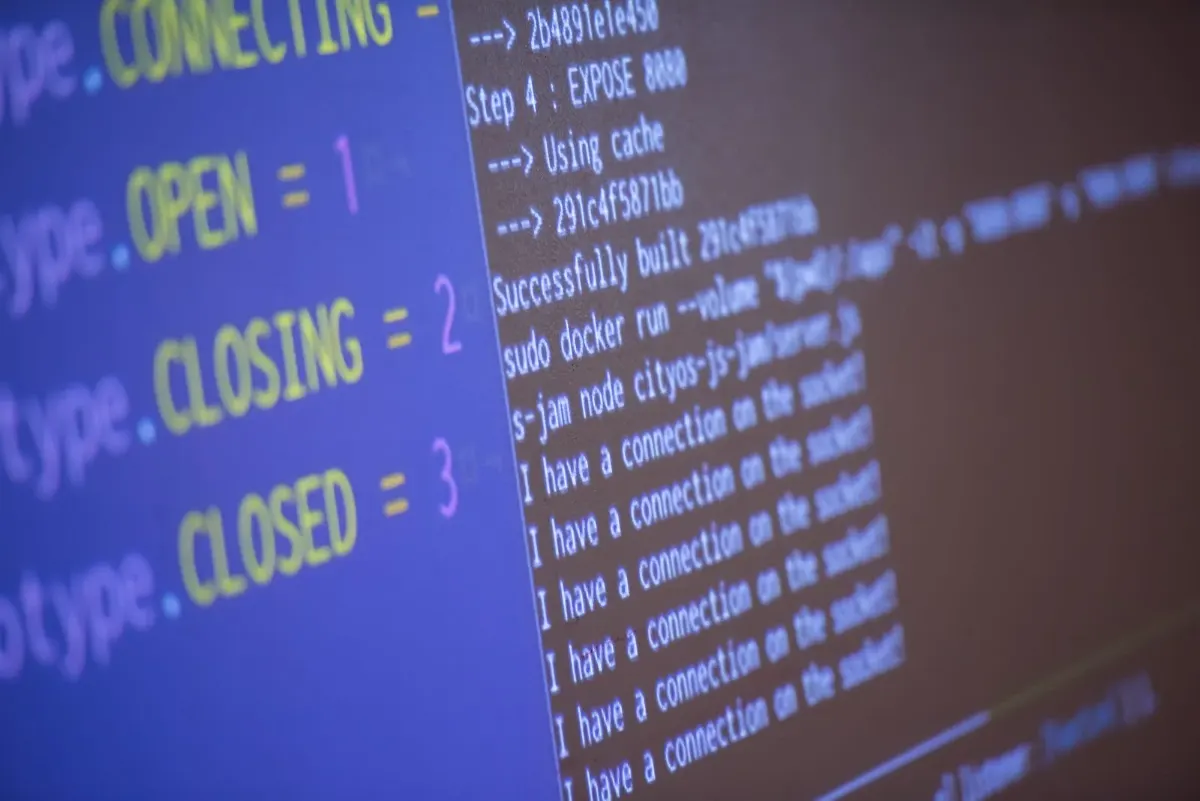
If you are searching for AI Coding Agent, you are likely looking for a smarter way to write, review, test and maintain software. An AI Coding Agent is not just a chatbot that answers programming questions. It is a more advanced software development assistant that can understand a codebase, reason through a task, use tools, make code changes, run tests and evaluate whether the result works.
The rise of AI coding agents reflects a wider shift in software engineering. In software development, an AI coding agent can support planning, debugging, refactoring, code review, documentation, testing and deployment, provided it is used with clear human oversight. For people thinking about where AI fits into their career, our guide to high paying jobs in New Zealand also shows how technology leadership roles are becoming more valuable.
What is an AI Coding Agent?
An AI Coding Agent is an AI-powered development system designed to help with programming tasks from start to finish. It can read project files, interpret instructions, plan changes, edit code, run commands and check results. Unlike a basic AI code assistant that only suggests snippets, an AI coding agent can work through a multi-step process and use feedback from the codebase, terminal, test suite or developer to improve its output.
Simple definition
An AI coding agent is best understood as a goal-driven development partner: it receives a programming objective, studies the relevant context, takes action through approved tools and reports back with code changes or recommendations.
Step 1: Understand how an AI Coding Agent works
To use an AI Coding Agent well, it is important to understand the underlying workflow. AI coding agents can read code, reason about changes and act on a developer's behalf through a repeating loop. This loop is what makes the tool feel different from a simple autocomplete feature.
The read, reason, act and evaluate loop
A strong AI coding agent begins by reading the relevant parts of your codebase. This may include files, dependencies, test cases, configuration, API routes, database models, documentation and error logs. It then reasons about the task, deciding what needs to change and in which order. After that, it acts by editing files, suggesting patches, running commands or calling approved tools. Finally, it evaluates the result by checking tests, linting output, type errors or runtime feedback.
This cycle can repeat until the task is complete or until the agent asks for human guidance. That is why prompt quality matters. A vague instruction such as "fix the app" gives the agent too little context. A stronger instruction explains the expected behaviour, the current bug, the relevant files, the acceptance criteria and any constraints such as framework version, style guide or security policy.
Why context and tools matter
The performance of an AI Coding Agent depends heavily on context. A coding agent with access to the right files, project instructions and test commands can produce more accurate results than one working from a short prompt alone.
Tools are equally important. A coding agent becomes more useful when it can run tests, inspect errors, search the repository, read logs, review diffs and follow team rules. However, this also means permissions should be managed carefully. The safest approach is to let the agent propose changes, show its reasoning and request approval before performing high-impact actions such as deleting files, changing production configuration or running deployment commands.
Step 2: Compare the main types of AI coding agents
Not every AI Coding Agent works in the same way. Some operate inside an editor, some run in the terminal, some review pull requests and others work in cloud-based environments. Choosing between them depends on how your team codes, reviews and releases software.
| AI coding agent type | Where it works | Best use case | Main advantage | Main risk |
|---|---|---|---|---|
| IDE agent | Inside a code editor | Daily coding, refactoring and file-level changes | Fast feedback while writing code | May over-focus on local files without wider system context |
| Terminal agent | In the command line | Multi-file changes, debugging and project exploration | Works closely with existing developer tools | Needs careful command approval and review |
| Pull request agent | In GitHub, GitLab or similar platforms | Code review, test suggestions and security checks | Adds a second review layer before merge | Should not replace human code review |
| Cloud agent | In a managed remote environment | Longer tasks, issue-to-code workflows and background implementation | Can work asynchronously and report back | Requires strong privacy, access and governance controls |
IDE agents for everyday development
IDE-based AI coding agents work inside the code editor. They are useful when a developer wants fast help with local changes, such as writing a function, improving readability, explaining an unfamiliar method or refactoring a component. Because the agent appears directly in the development environment, it can feel like pair programming with an assistant that understands the visible code and nearby files.
Terminal agents for complex codebase work
Terminal agents run through the command line. They are helpful when the task requires searching a large repository, running scripts, checking failing tests or making coordinated changes across several files. A terminal-based AI Coding Agent can be especially useful for debugging because it can inspect stack traces, run commands and revise its approach based on output.
Pull request and cloud agents for teams
Pull request agents work asynchronously. They review changes after a branch or pull request is created, then flag potential bugs, style issues, missing tests, security concerns or unclear logic. Cloud agents go a step further by working in managed environments, where they may take an issue, inspect the repository, make changes, run tests and return a branch or patch for review.
Step 3: Use an AI Coding Agent for the right tasks
The best results come from giving an AI Coding Agent tasks that are specific, testable and bounded. AI coding agents are strong at repetitive or well-defined work, but they still need human judgement for architecture, product direction, ethics, security and ambiguous requirements.
Code generation and refactoring
Code generation is one of the most common uses of an AI Coding Agent. A developer can describe a feature, endpoint, component, script or test case, and the agent can create a first draft. This is useful for boilerplate, CRUD operations, UI components, utility functions, API integrations and repetitive patterns.
Refactoring is another strong use case. The agent can simplify complex functions, remove duplication, improve naming, split large files, modernise syntax or align code with a style guide. The key is to ask for small, reviewable changes. Rather than requesting a full rewrite of a major application, developers should break work into staged tasks with tests after each stage.
Debugging, testing and documentation
AI coding agents can help developers debug faster by reading error messages, tracing code paths and proposing likely causes. They can also create unit tests, integration tests, edge-case tests and regression tests. Documentation is another practical area. A coding agent can update README files, generate API notes, explain complex functions, create onboarding material or summarise a recent change.
Step 4: Know the benefits and risks before adopting one
An AI Coding Agent can improve productivity, but it should be adopted with a realistic understanding of both benefits and limitations. The tool is most valuable when it reduces repetitive work and gives engineers more time for design, architecture, user experience and system reliability. It becomes risky when teams treat generated code as automatically correct.
| Area | Benefit | Risk | Practical control |
|---|---|---|---|
| Productivity | Faster first drafts, tests and refactors | Developers may accept weak code too quickly | Require review, tests and clear acceptance criteria |
| Quality | Can identify bugs, duplication and missing tests | May misunderstand business logic | Use domain-specific instructions and human validation |
| Security | Can flag vulnerabilities and risky patterns | May introduce insecure dependencies or expose secrets | Limit permissions and run security scans |
| Team workflow | Supports reviews, documentation and onboarding | Could create inconsistent coding styles | Maintain style guides and repository instructions |
| Cost | Saves time on routine tasks | Tool subscriptions and review overhead may grow | Track outcomes, cycle time and defect rates |
| Delivery impact | Can reduce rework and speed up movement from idea to merged change | Speed gains may be overstated if review cycles increase | Compare delivery speed, review cycles and defect rates before and after adoption |
Productivity and code quality gains
The clearest benefit of an AI Coding Agent is productivity. Developers can move faster from idea to working draft, especially when the task is repetitive or similar to existing patterns. Quality can also improve when the agent is used as a reviewer, tester and documentation assistant.
Security, privacy and human oversight
Security and privacy must be central to AI coding agent adoption. A coding agent may process proprietary code, customer data, internal architecture and secrets if permissions are poorly configured. Teams should check how a tool handles data, whether code is sent to external servers, what logs are stored and whether the vendor offers enterprise controls.
Human oversight is also essential. AI-generated code can compile and still be wrong. It can pass simple tests while missing important edge cases. It can also introduce dependencies, patterns or assumptions that do not fit the organisation's standards. A sensible workflow includes code review, automated tests, security scanning and approval gates before merge or deployment.
Step 5: Choose the right AI Coding Agent for your workflow
Selecting the right AI Coding Agent is not about choosing the most popular tool. It is about matching the tool to your development workflow, codebase size, security requirements and team maturity. A solo developer building prototypes may prefer an IDE agent with fast suggestions. A platform team maintaining large systems may need a terminal or cloud agent with strong repository awareness.
Before adopting a tool, teams should test it on a real but low-risk task. Give the agent a small bug, a documentation update, a refactor or a test-writing assignment. Measure how much time it saves, how many corrections are needed and whether the final output meets your standards. If your work also connects to online business, content or client delivery, this guide to starting a digital marketing agency in New Zealand gives useful context on how technical tools can support service businesses.
Practical checklist before you start
A good evaluation process begins with clear criteria. The agent should support your programming languages, frameworks, repository size, testing tools and version control workflow. It should also allow sensible permission controls, transparent diffs, review steps and privacy settings. If your team works with regulated data, enterprise security and local or private deployment options may be more important than flashy features.
You should also prepare your codebase for AI assistance. Add a clear README, contribution guide, style guide, testing instructions and architecture notes. Many teams also create repository-specific instruction files that explain naming conventions, folder structure, preferred patterns and commands. The better your project documentation, the more effectively an AI coding agent can follow your standards.
Final thoughts: Is an AI Coding Agent worth using?
For most modern developers and software teams, an AI Coding Agent is worth exploring. It can help write code faster, explain unfamiliar systems, create tests, improve documentation, review pull requests and reduce the time spent on repetitive implementation. The value is strongest when developers treat the agent as a capable assistant rather than an unquestioned authority.
The future of software development is likely to involve more agentic workflows, where engineers describe outcomes, guide implementation and review results while AI agents handle more of the repetitive execution. The best developers will not simply ask an agent to "write code". They will learn how to define goals, provide context, set constraints, review changes and use automated validation. In that workflow, the AI Coding Agent becomes a practical partner for building better software with more speed, structure and confidence.